
Color harmony
How do the colors work together?
Combines Matsuda template fit, saturation balance and neutral-color support. Explore the method on the color wheel below.
DRAEVA
The next look is being prepared · Sıradaki görünüm hazırlanıyor.
DRAEVA LOOK ENGINE · FOR BUSINESSES
Look Engine is an outfit-generation algorithm that combines your products, scores their compatibility and ranks the candidates. Show customers what they can wear alongside the item they are exploring.
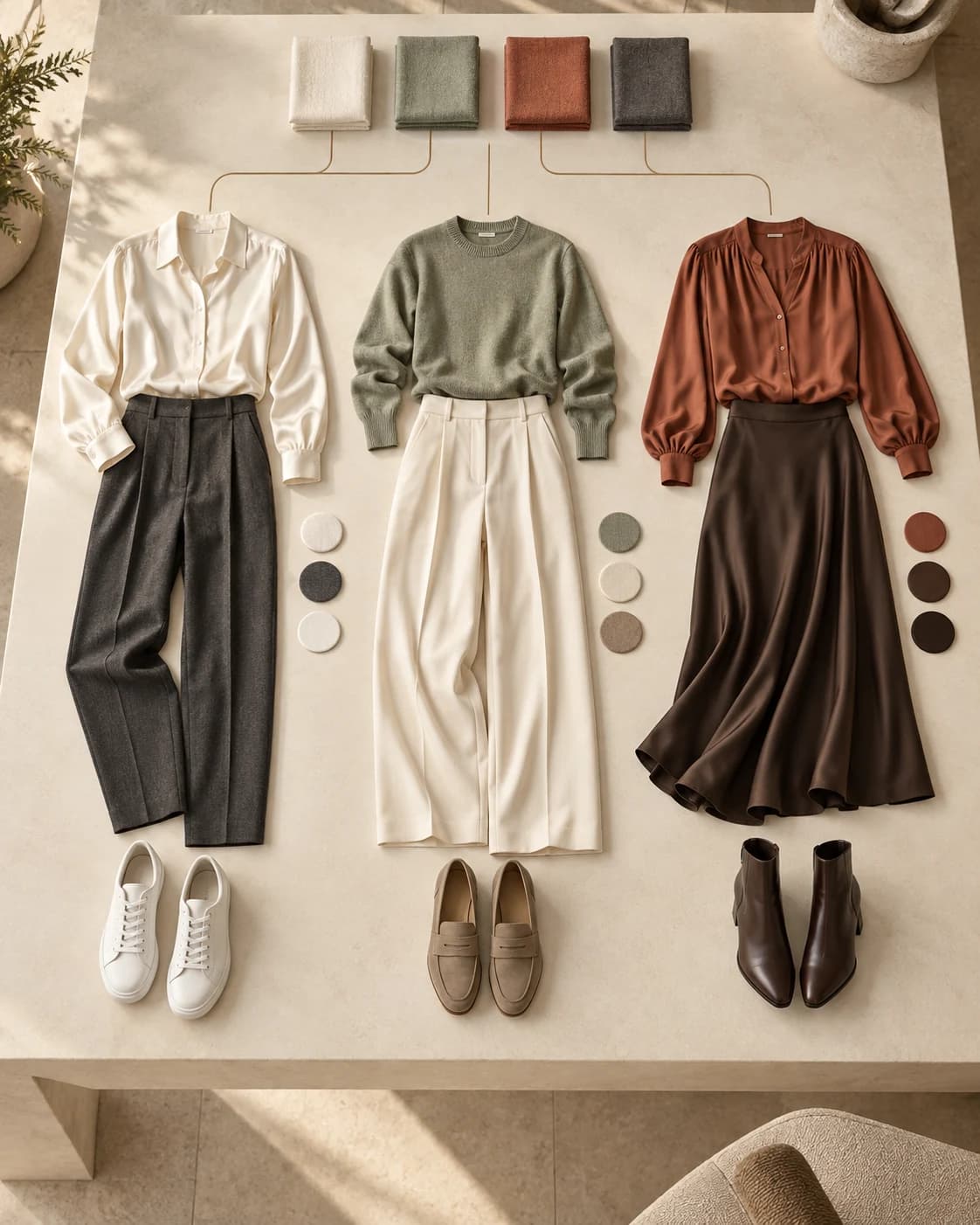
Category, color, pattern, fit, style and fabric attributes provide the inputs for outfit generation.
Starts with an anchor product or a product pool to build top–bottom and dress outfits, considering suitable layers and shoes.
Evaluates candidates across five dimensions for the use context. Returns ranked options with total scores, component scores and explanatory notes.
Each dimension is scored from 0–100. The total is a weighted combination; weather compatibility can gain weight in cold conditions. Scores reflect the supplied product attributes and use context.
How do the colors work together?
Combines Matsuda template fit, saturation balance and neutral-color support. Explore the method on the color wheel below.
Do the pieces share a style language?
Considers stylistic similarity, a target style and combinations of bold patterns.
How do the fits balance?
Evaluates upper and lower garment volume, fitted–loose balance and layer compatibility using garment attributes.
Does the outfit suit the conditions?
Considers temperature, humidity, wind, activity and indoor/outdoor context alongside insulation and regional body coverage.
Where will the outfit be worn?
Evaluates garments for casual, work, evening, sport and outdoor use.
BEHIND COLOR HARMONY
Look Engine uses a calculation based on Matsuda color-harmony templates. Catalog primary colors are converted into hue, saturation and value. Non-neutral hues are compared with the harmony regions of eight rotating templates.
The template rotates around the wheel. The algorithm measures how far hues fall outside its regions and selects the smallest deviation.
Combining multiple vivid colors can lower the score. Complementary hues alone do not guarantee a high score.
Neutrals such as black, white and gray are handled separately. One colored garment with neutrals uses the neutral-anchor rule.
This stage uses stored primary-color attributes, rather than photo pixels. The color score combines template fit, saturation balance and neutral support.
Explore a template
I · 30°Complementary
Shaded sectors show the template regions used by the engine. This diagram explains the method; this control does not score an outfit.
AS YOUR CATALOG GROWS
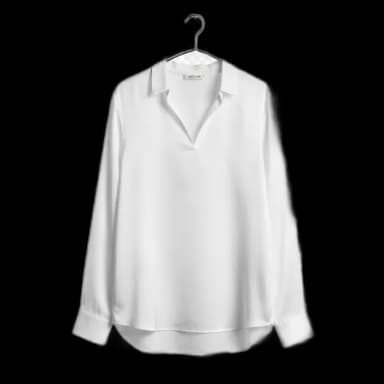
800
Tops
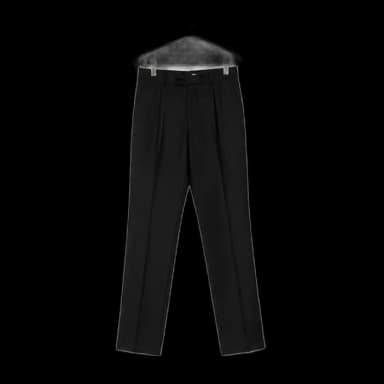
600
Bottoms
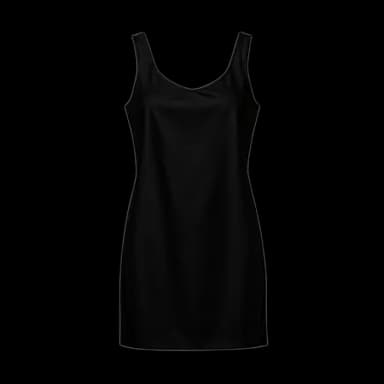
200
Dresses
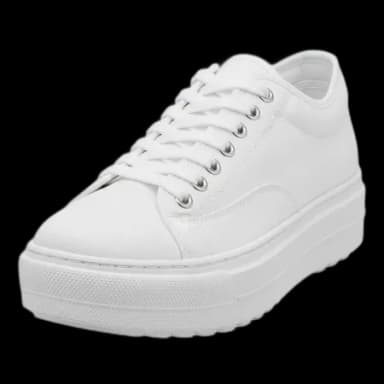
300
Shoes
Theoretical outfit candidates
144,060,000
(800 × 600 + 200) × 300
One top + one bottom OR one dress, then one pair of shoes.
Build valid candidates using product categories and outfit rules.
Account for occasion, weather and layering needs.
Weight color, style, silhouette, weather and occasion scores to surface stronger candidates.
Casual · Indoors · 24°C. These three examples are from the small demo catalog, not results from the theoretical pool above.
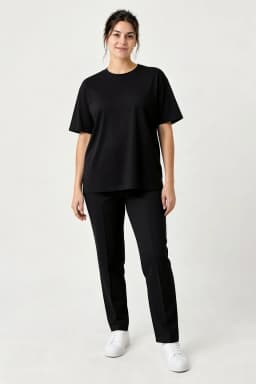
#1
95 / 100
Color · Style · Shape · Weather · Occasion
92 · 100 · 100 · 100 · 83
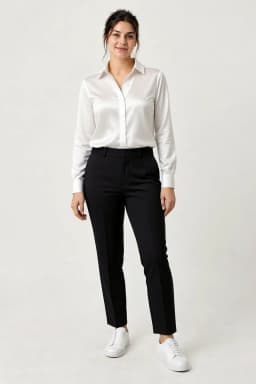
#2
92 / 100
Color · Style · Shape · Weather · Occasion
92 · 100 · 95 · 100 · 75
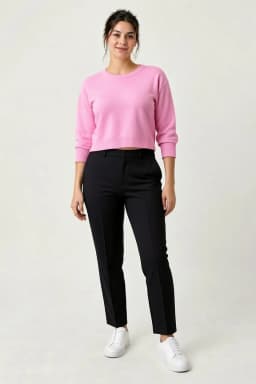
#3
86 / 100
Color · Style · Shape · Weather · Occasion
92 · 67 · 95 · 100 · 75
CLO · THERMAL COMFORT
CLO expresses clothing insulation. A higher value means more insulation, but does not always mean a better outfit. Look Engine compares an outfit’s insulation with the target required by the use conditions.
Uses a CLO attribute prepared from garment type, material, fabric weight and lining. Layering effects are considered when pieces are combined.
Temperature, wind, humidity, activity and personal thermal profile affect the target. Indoor and outdoor use contexts are evaluated separately.
Torso, legs and feet are compared with their own targets. A thick coat alone does not compensate for exposed legs.
Closeness to target affects the weather score. Its weight can increase in cold conditions; hot conditions use a separate hot-weather assessment.
Same outfit, different temperature
Weather compatibility
100 / 100
Total outfit insulation: 0.52 CLO
Example calculated with Look Engine: outdoors in shade, wind 0 m/s, humidity 50%, activity 1.4 MET, normal thermal profile. Only temperature changes. Regional values are not a simple allocation of total CLO.
For your business: assess when a product meaningfully completes an outfit rather than prioritizing it equally in every season. CLO adds use conditions to Look Engine’s color and style evaluation.
Present complementary catalog items together through complete-the-look suggestions on product pages.
Design a styling experience that shows alternatives and reasons for pairing them with a selected product.
Build outfit options from catalog products and review ranked candidates for editorial selection.
Look Engine evaluates which products to recommend together. VTON presents the chosen outfit on a person. Combine both to design a shopping journey from recommendation to virtual try-on.
Explore VTONShare your product data, sales channels and use case. Together, we can define the right integration scope for your business.
Discuss integration