DRAEVA
Loading · Yükleniyor
The next look is being prepared · Sıradaki görünüm hazırlanıyor.
DRAEVA
The next look is being prepared · Sıradaki görünüm hazırlanıyor.
Draeva Screen
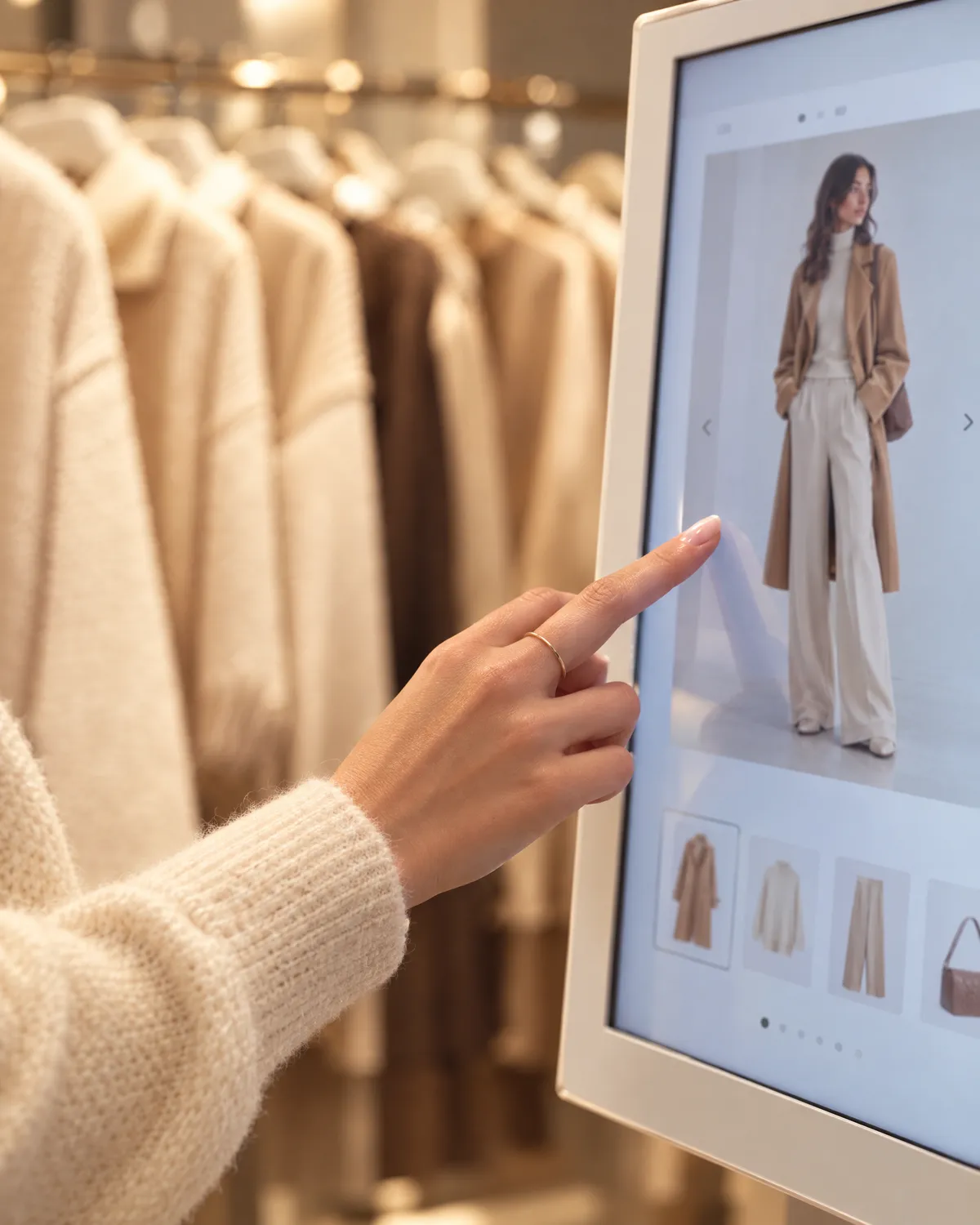
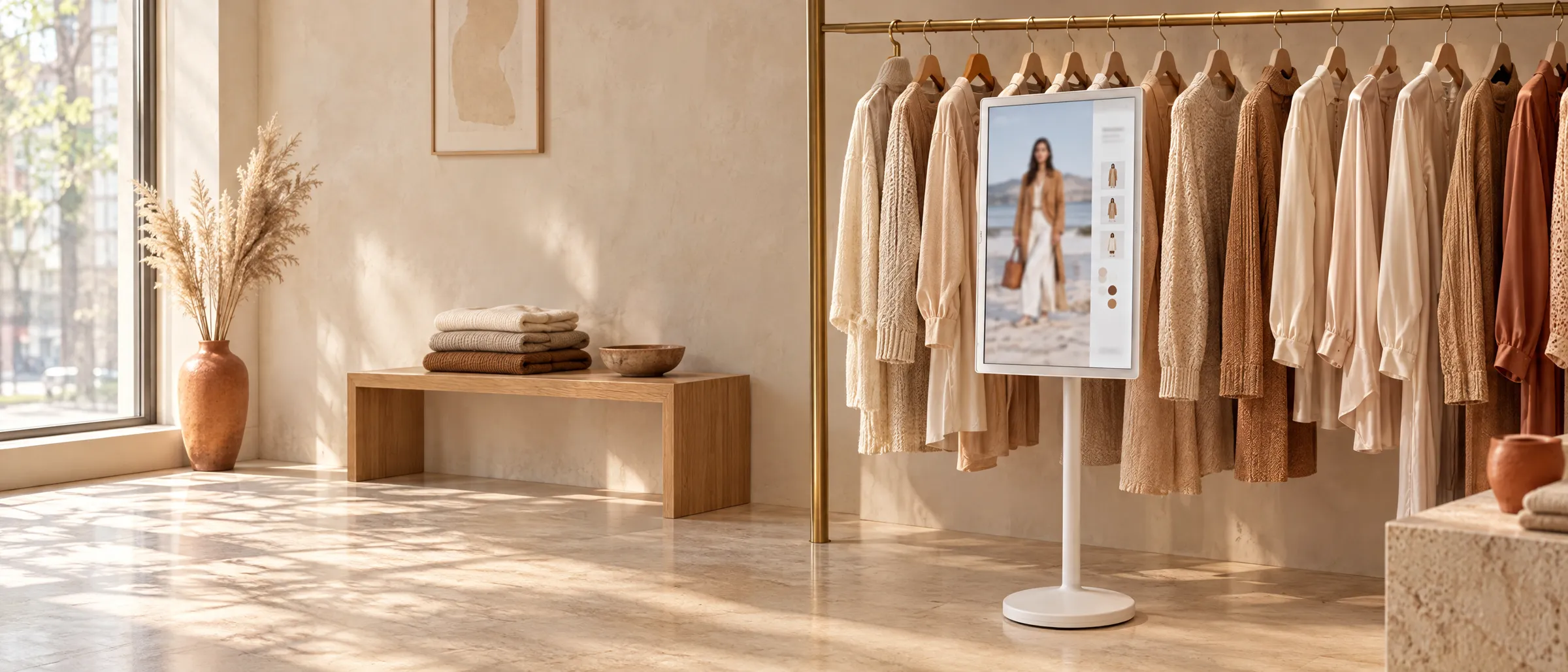
Draeva Screen turns your boutique's collection into outfits on a 32-inch portrait touchscreen. Shoppers tap, explore pieces, try looks on virtually and take the outfit they like to their phone with a QR code.
In the boutique
When nobody is touching it, the screen plays a full-height storefront film. When a shopper walks up and taps, the film shrinks away and the collection opens. This footage is from a demo filmed in a real boutique.
A full-screen storefront video and a “Tap to try on” invitation.
Pieces, outfits and category filters one tap away.
A short inactivity warning, then a clean session.
The shopper journey
 1
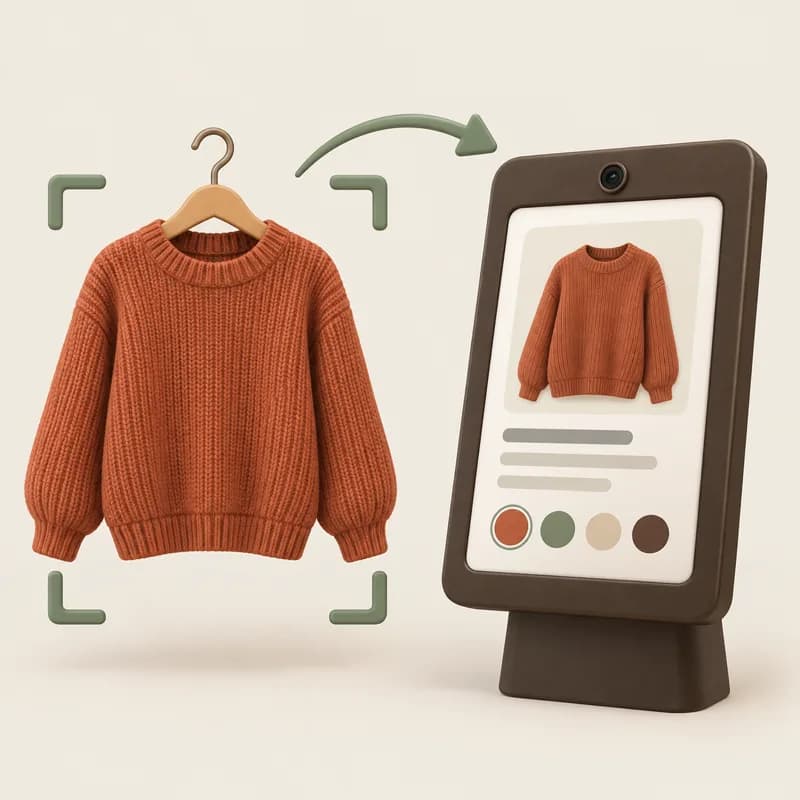
1The idle film invites shoppers in; one tap opens the boutique's storefront.
 2
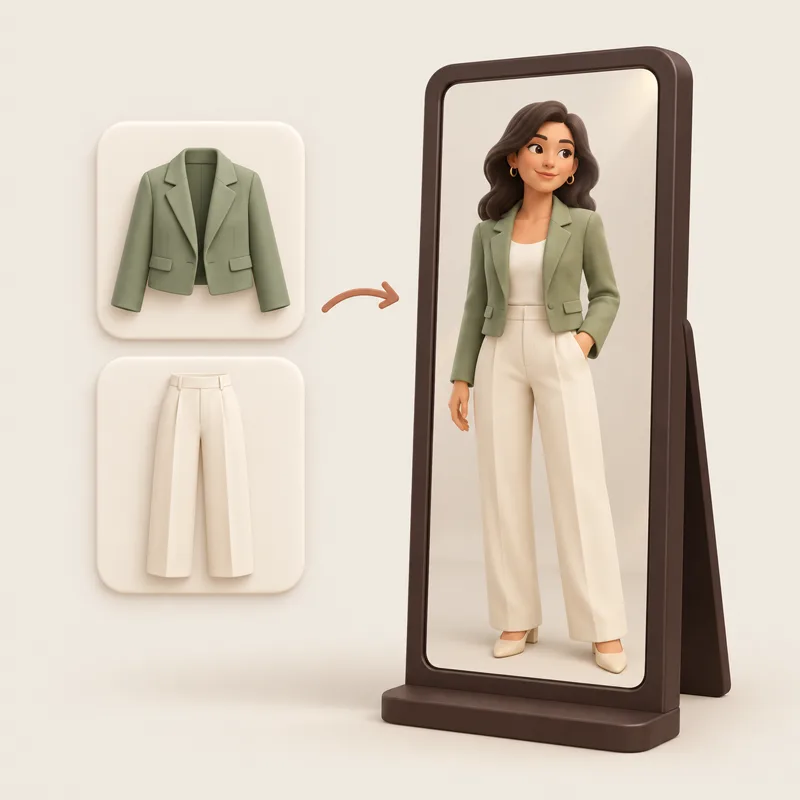
2Pieces and outfits live in separate tabs. Jump from a piece to the outfits built around it.
 3
3Take a photo with the camera or pick a sample model and see the outfit on.
Connect with QR
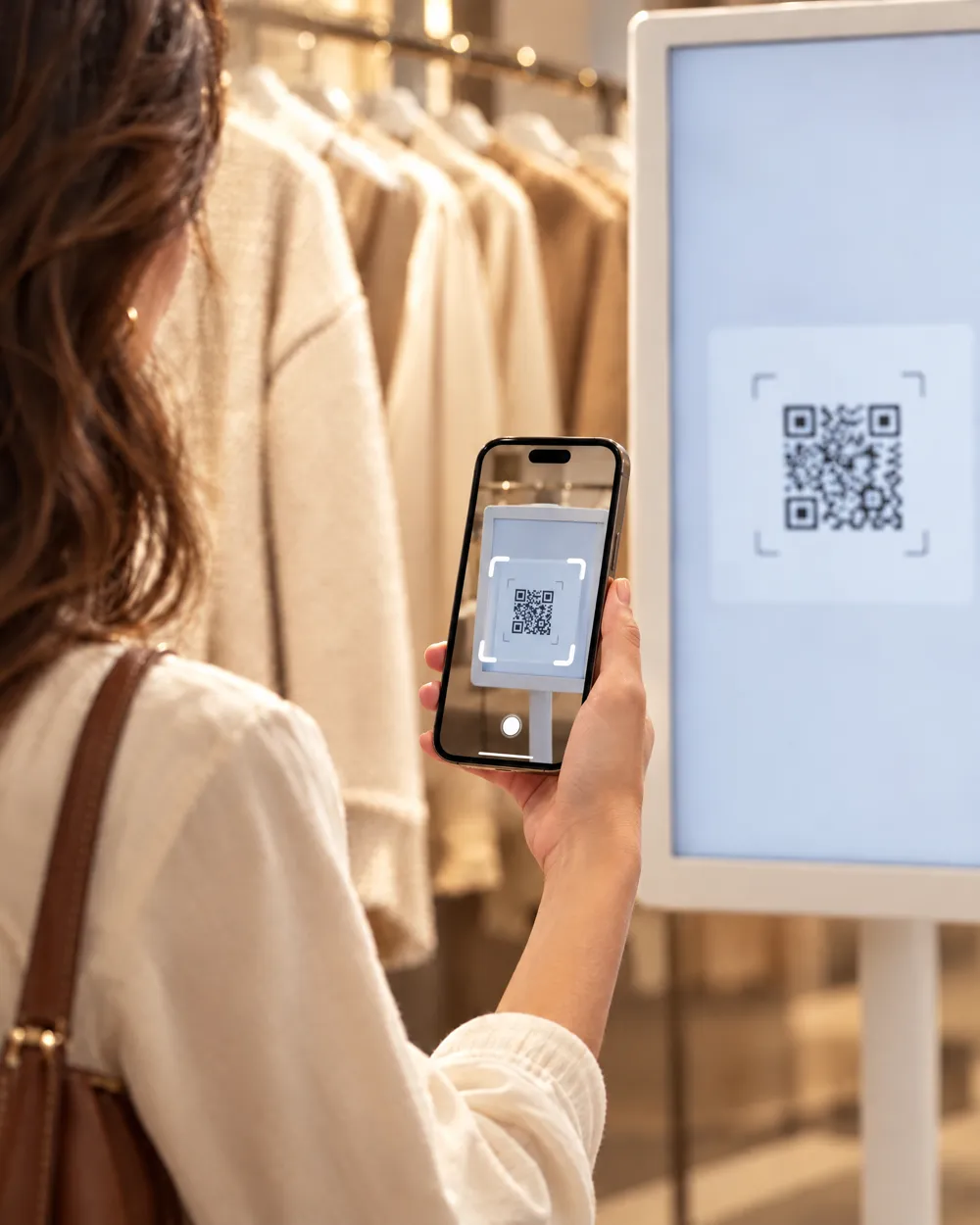
Shoppers scan the QR code on the screen to link their Draeva account, send clothes they choose from their own wardrobe to the screen and try them on virtually with the boutique's pieces. If the app isn't installed, the QR code sends them to the App Store or Google Play.
A safe session, in your control
 1
1Tap “Link my account and save my try-ons” on the screen and scan the QR code with your phone camera. The Draeva app opens.
 2
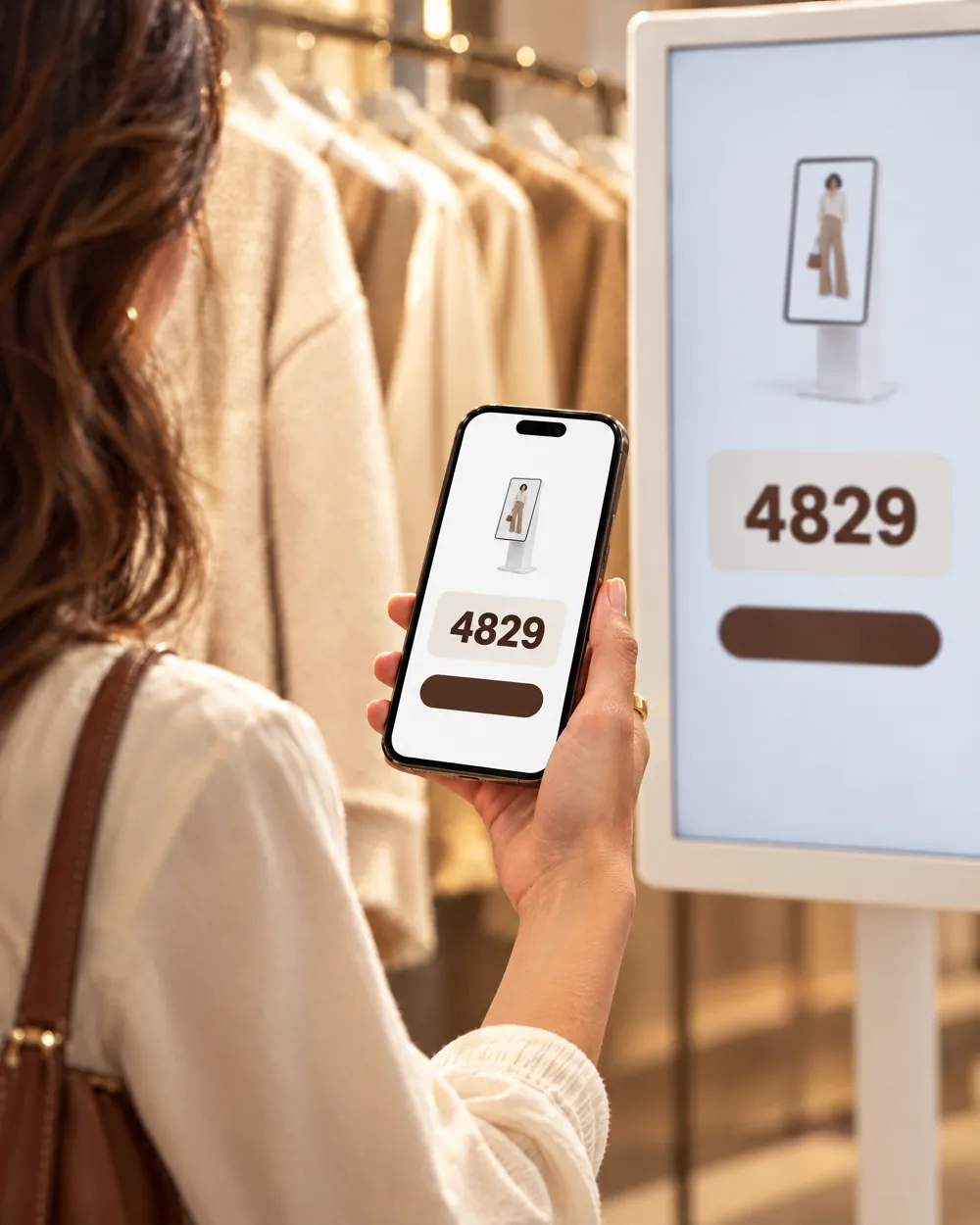
2In the app, check the screen's name and the matching code, then approve the connection.
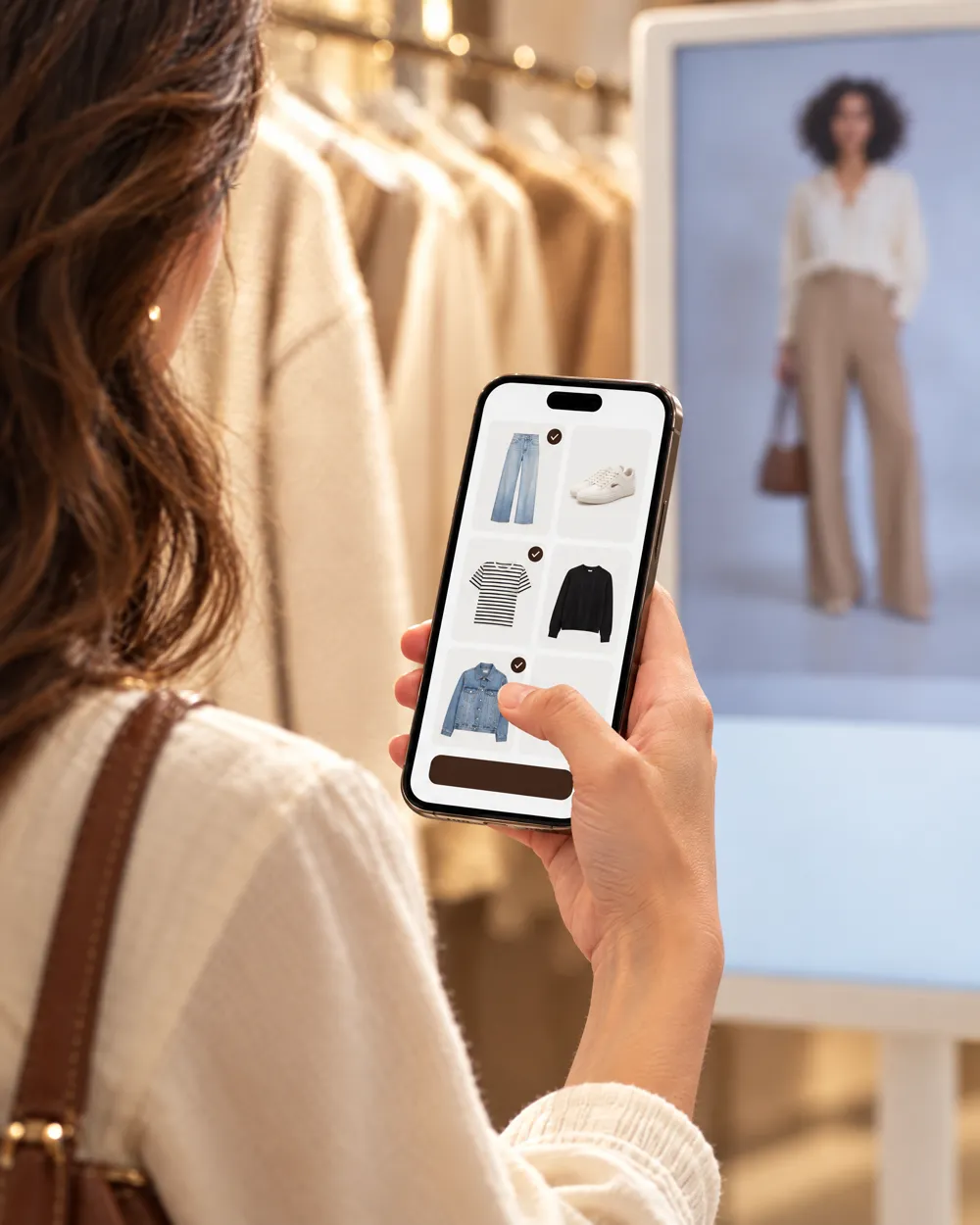 3
3Tap “Transfer my clothes” on your phone; the pieces you pick arrive in the My Wardrobe tab on the screen, right next to the Store tab.
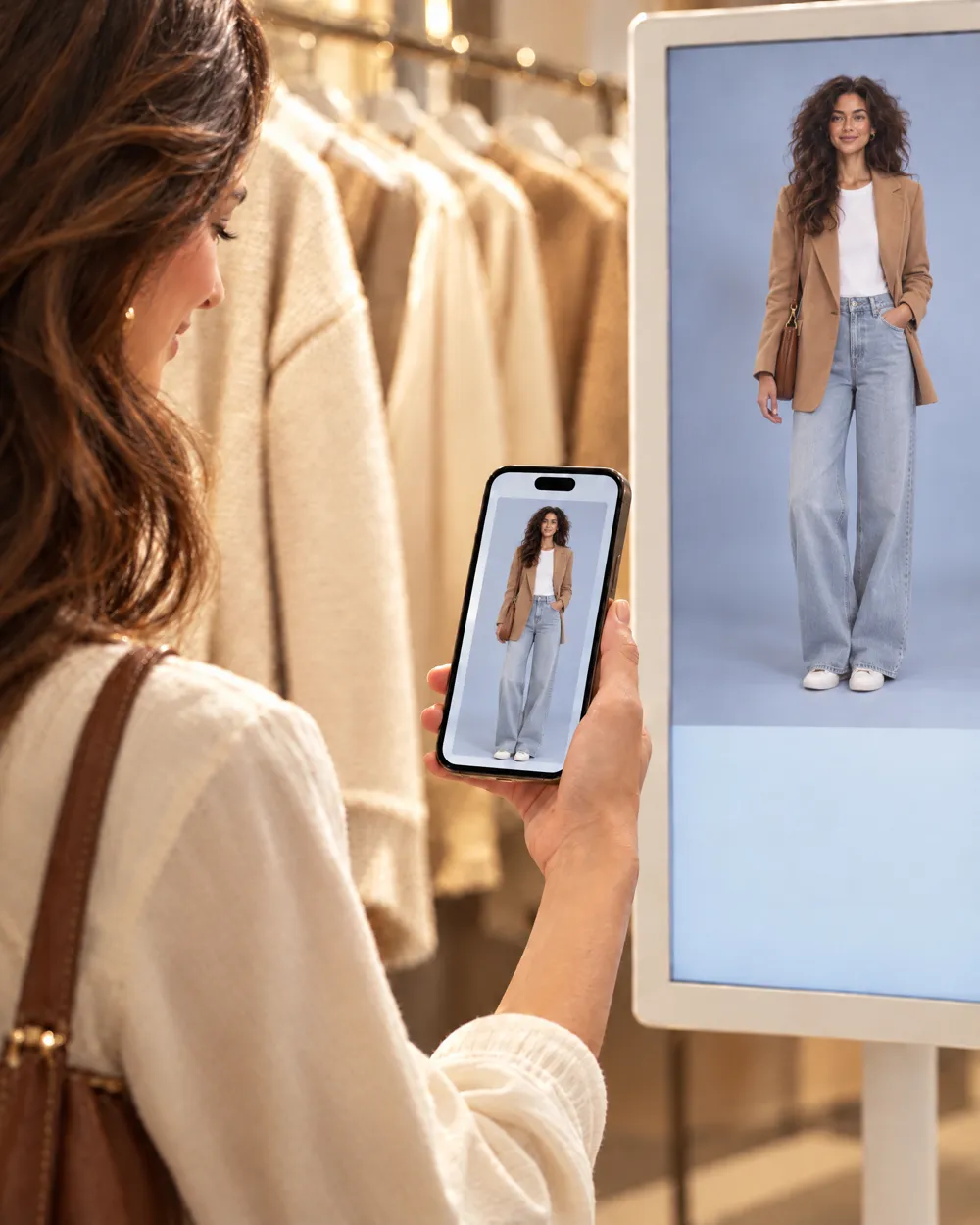 4
4Try the boutique's pieces on virtually with your own clothes in one outfit, and save the result you like to your phone with “Save to my account”.
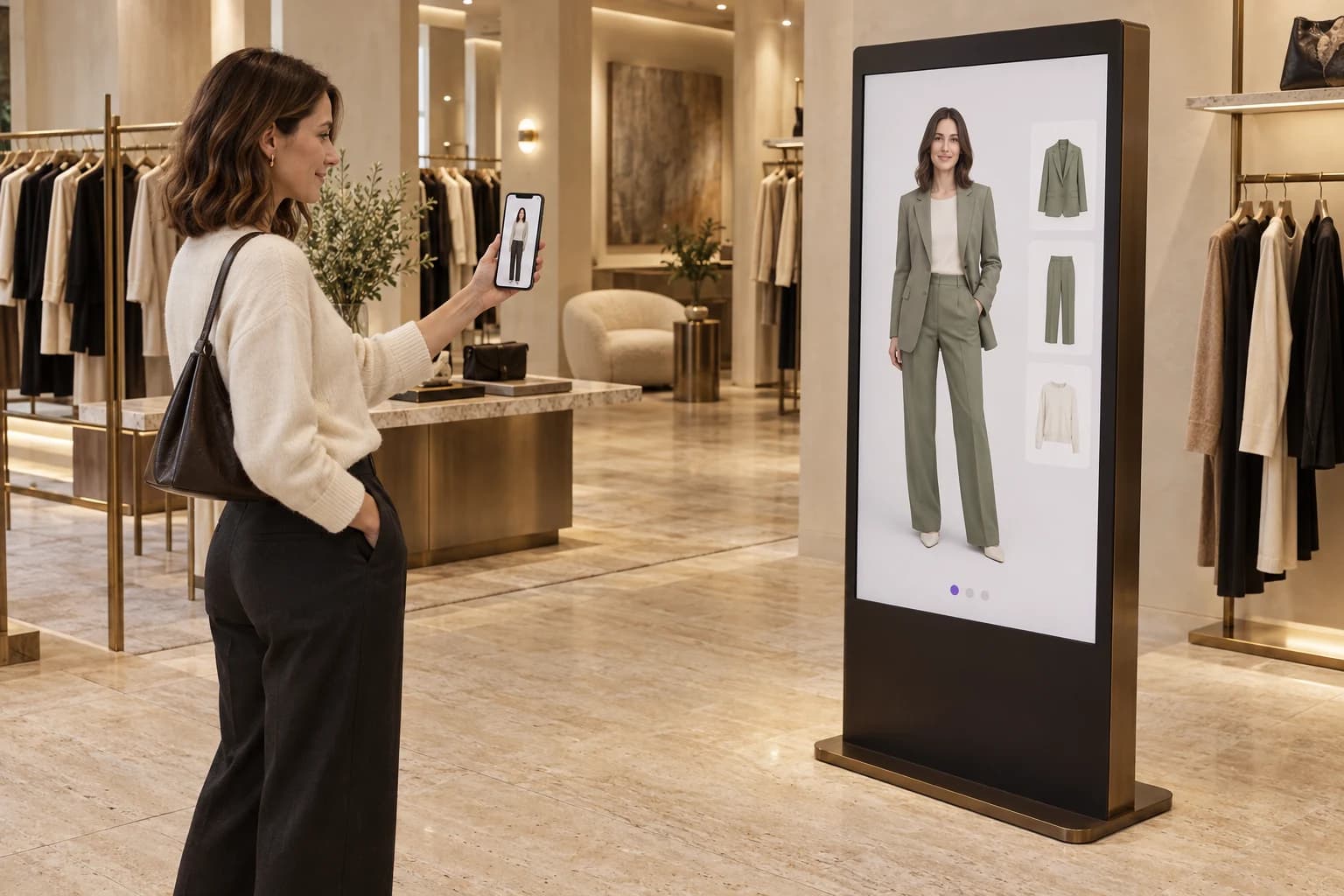
01 · Personal avatar, in-store experience
Your customer's digital identity comes into the store with them. They connect their Draeva avatar from their phone to a Screen session via QR and explore your collection on their own avatar.
The shopper pairs their phone with the screen and transfers their avatar into the fitting session.
They compare selected products and alternative outfits on the same personal avatar.
They take the outfit to their phone and move on to viewing the products in store or purchasing them.
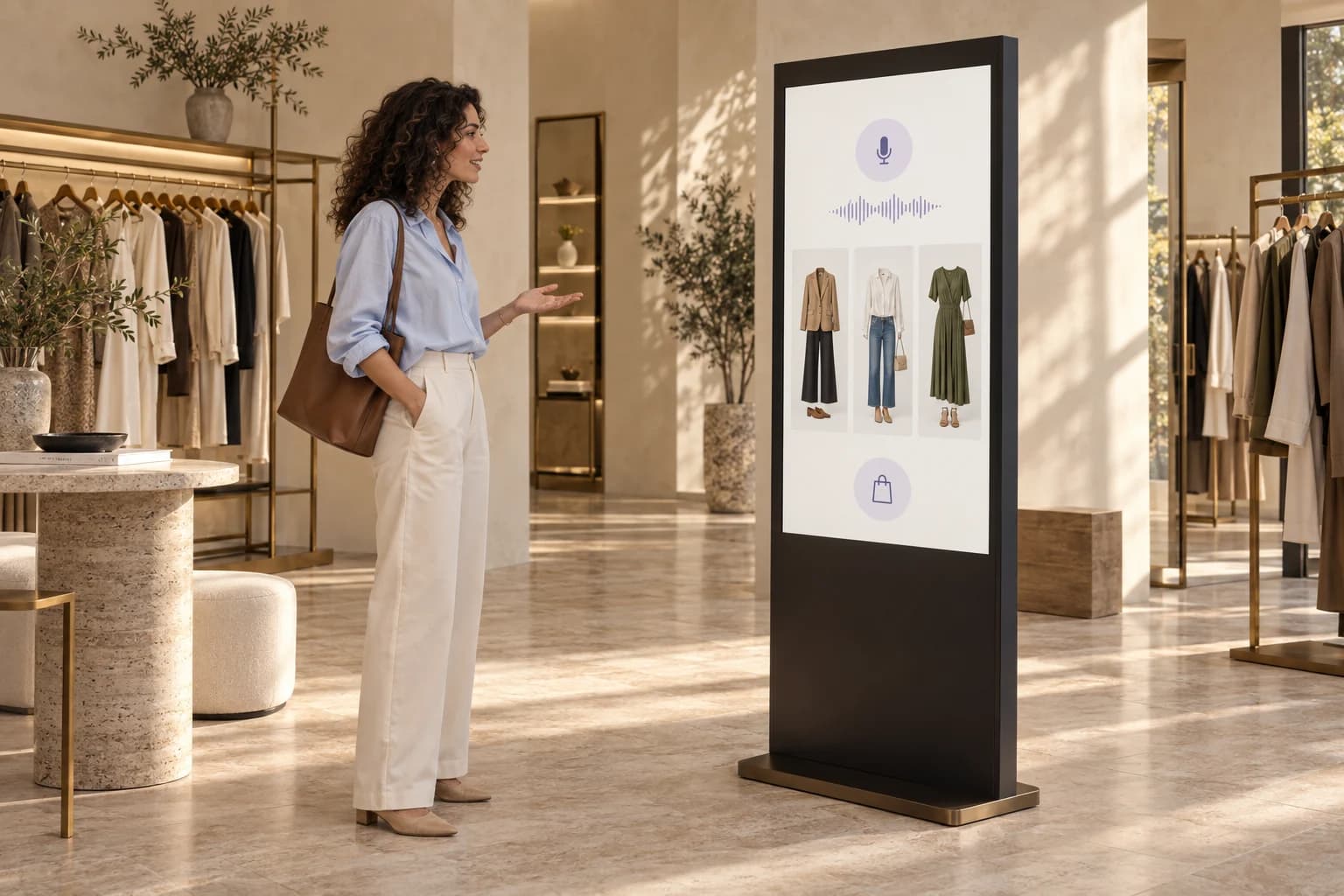
Example customer conversation
“I need a relaxed weekend outfit. I prefer light colours.”
Let's start with three light-toned outfits. You can try your favourite on your avatar.
02 · Conversational shopping
Let shoppers tell the screen what they need. Screen can list relevant pieces from your catalogue based on occasion, style and budget, suggest complementary items and guide the journey from discovery to purchase.
“I need a comfortable but smart outfit for an interview.” Shoppers explain their needs in their own words instead of selecting individual filters.
“Something lighter in colour” or “What goes with this jacket?” helps narrow the product list and outfit suggestions.
Shoppers see the look on their avatar, take the product list to their phone and continue into your sales flow. Stock and cart connections are tailored to your existing systems.
Draeva Studio · Dashboard
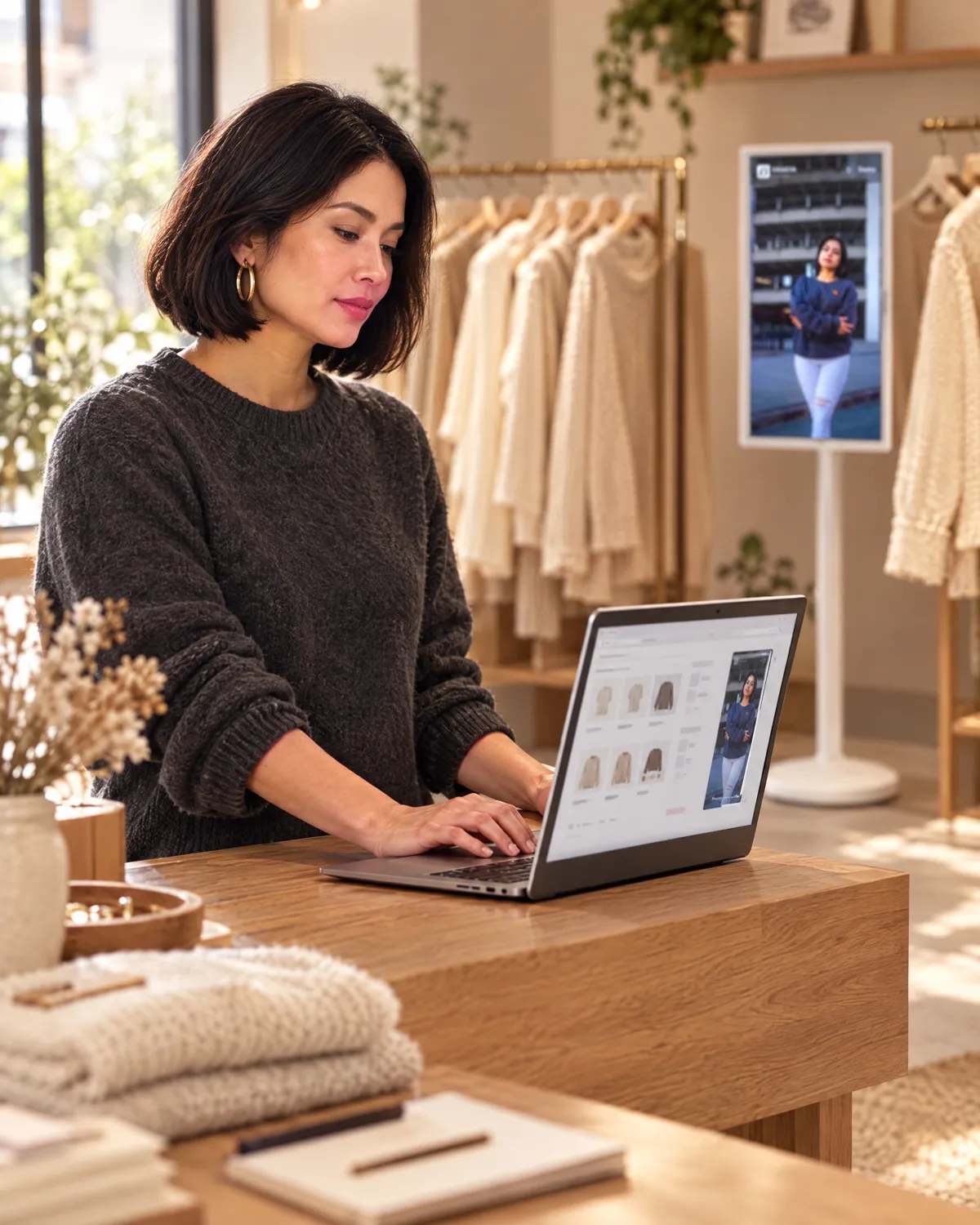
The Draeva Studio dashboard lets you run every screen in your boutique from your computer. From catalogue to outfits, publishing to analytics, it all lives here.
Analytics are anonymous; no shopper photos or identity data are collected.
01
See product, outfit and screen counts, which screens are online and recent activity at a glance.
02
Add products with price, stock, SKU, sizes, colour, fabric and season; filter by category and search.
03
Build outfits from products. The total price is calculated for you; upload an image or make a collage from the pieces.
04
Autofill product details from a photo and remove backgrounds in one click.
05
Get new outfit ideas that pair pieces in stock and grow your collection faster.
06
Give each screen its own media, products, theme and idle time. Save a draft, publish when it's ready.
07
See which products and outfits get viewed over 24 hours, 7 or 30 days and which screen stands out; export CSV.
08
Invite staff as Editors or Viewers and decide who can change what.
FAQ
From hardware to privacy, short answers about Draeva Screen.
Draeva Screen is designed for 32-inch portrait Android touchscreens. Virtual try-on needs a camera connected to the screen. We check your device's compatibility together before setup.
No. A captured photo is kept in memory only for the session, is never saved to the device and is cleared when the session ends.
The collection and storefront media are stored on the device, so the screen keeps working as a storefront. Publishing new settings from Studio needs a connection.
Write to us from the contact page. We'll talk about your boutique, your collection and where the screen will stand, and plan a demo together.
Draeva Screen is currently being tested with pilot boutiques. Write to us for a demo.